
WordPress, Shopify, Webflow, Adobe or custom? How to choose a website platform
The right platform is the one that fits what your site has to do, who will run it and what it must connect to. As a rule of thumb: WordPress or Webflow for content-led sites, Shopify for most online stores, Adobe Commerce when the catalogue and integrations get complex, Adobe Experience Manager for large brands running many sites, and a custom build in Laravel, Node.js or .NET when nothing off the shelf fits.
In this guide
Most platform arguments are really about something else: who updates the site, how far the business will grow, and who is on the hook when a security patch lands on a Friday afternoon. Answer those first and the platform usually picks itself.
This guide is from Tonic The Agency, an independent creative, digital and technology agency in Surry Hills, Sydney, since 2010. We build on WordPress, Webflow, Shopify, Adobe Commerce, Adobe Experience Manager, Laravel, Node.js and .NET, so we’ve no reason to push one over another. And if WordPress will do the job, we’ll tell you straight.
Definition
What is a website platform?
A website platform is the software your site runs on, where pages, products and content are stored and edited. It may be a content management system (CMS) such as WordPress, Webflow or Adobe Experience Manager, an ecommerce platform such as Shopify or Adobe Commerce, or a framework such as Laravel, Node.js or .NET.
At a glance
Six questions that choose your platform
- What does the site have to do?
- Who will edit it every day?
- How big will it get?
- What does it need to connect to?
- Who looks after security and updates?
- What will it cost to run over three to five years?
Compared
Website platforms compared
How the six options stack up. We build on every one of them.
| Compared on | Best for | Scale | Security and updates |
|---|---|---|---|
| WordPress | Content-led and marketing sites; WooCommerce for simpler stores | Scales with good hosting and caching; watch plugin bloat | Core well maintained; plugins are the main risk |
| Webflow | Marketing sites where designers want visual control | Hosted and fast; CMS items, pages and products capped by plan | Hosted; Webflow applies updates |
| Shopify | Most online stores, small to enterprise (Shopify Plus) | Hosted; built for big sales peaks | Hosted; PCI DSS Level 1; apps add risk |
| Adobe Commerce | Complex catalogues, B2B pricing, many integrations | Large catalogues, multiple stores and markets | SaaS edition updated by Adobe; on Cloud, you own upgrades |
| Adobe Experience Manager | Large brands with many sites, languages and markets | Many sites from one platform | Cloud Service updated by Adobe continuously |
| Custom (Laravel, Node.js, .NET) | Business rules or integrations no product handles | As far as it’s engineered to | Depends on the team maintaining it |
1 of 6
1. What does the site have to do?
Start with the job, not the software. A site that publishes content, one that sells products and one that runs part of your business, such as bookings, quotes or a customer portal, need different foundations.
A content site can run on almost anything. Selling online narrows the field to ecommerce platforms. Business rules no product handles are where custom code earns its keep.
Ask: Is this mainly a content site, a store, or a tool?
2 of 6
2. Who will edit it every day?
The platform your marketing team can use without a developer is worth more than the one with the longest feature list.
Webflow suits teams who want visual control of layout. WordPress and Shopify are familiar to most marketers. Adobe Experience Manager is built for large teams publishing across many sites, with workflows and permissions to match.
Ask: What will our team need to change without calling a developer?
3 of 6
3. How big will it get?
Scalability means more than traffic. Count the pages, products, languages, markets and brands you expect in three years. Hosted platforms such as Shopify, Webflow and Adobe’s cloud services handle traffic for you, but each sets its own limits: Webflow, for example, caps CMS items, pages and products by plan.
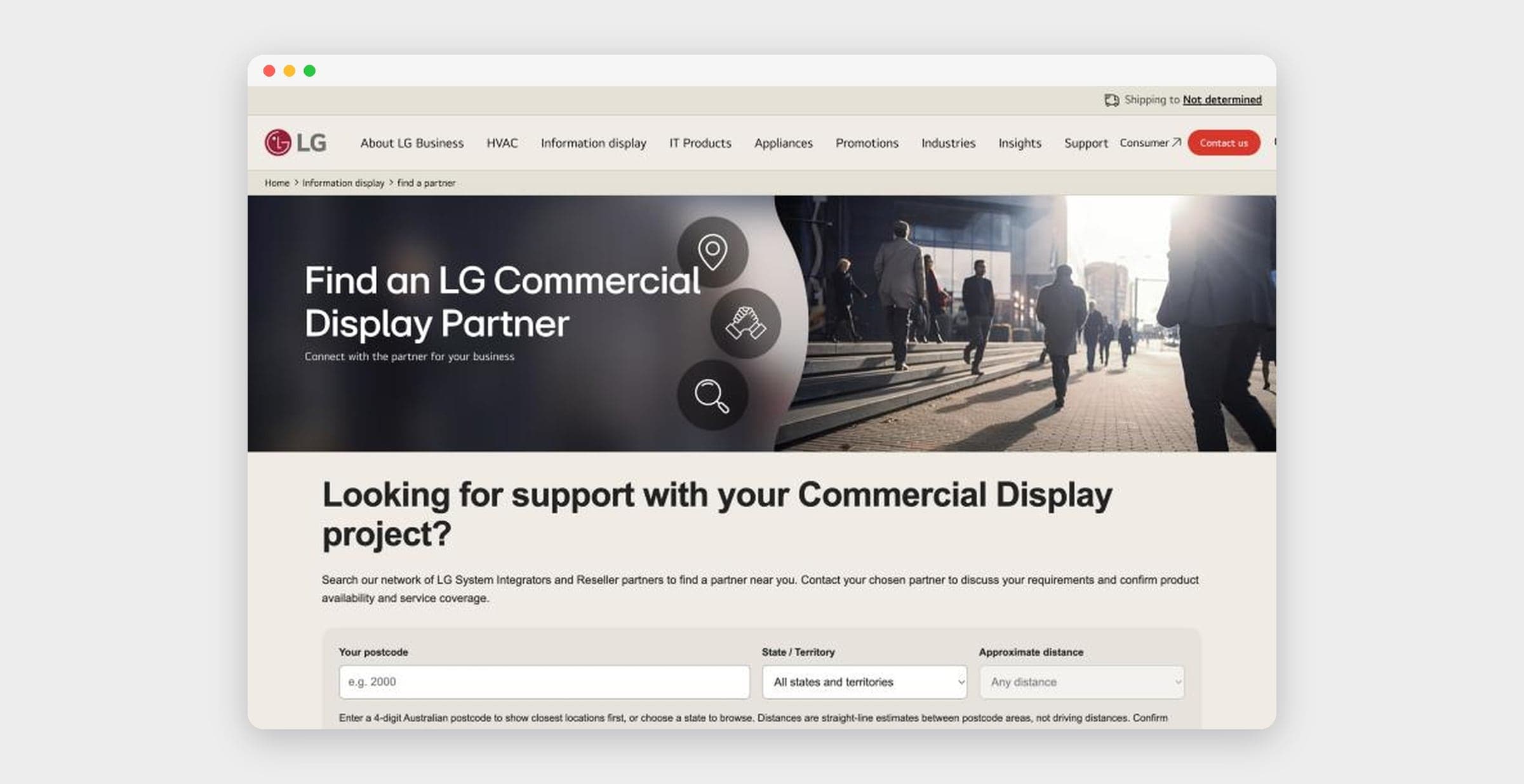
Adobe Commerce and Adobe Experience Manager are built for large catalogues and many sites on one platform. Tonic’s work for LG runs on Adobe Experience Manager.
Ask: How many pages, products and markets will we have in three years?
4 of 6
4. What does it need to connect to?
Integrations are where most of the cost and risk sits: the ERP, CRM, stock, payments and product information your site depends on. Check what each platform connects to out of the box and what will need custom work.
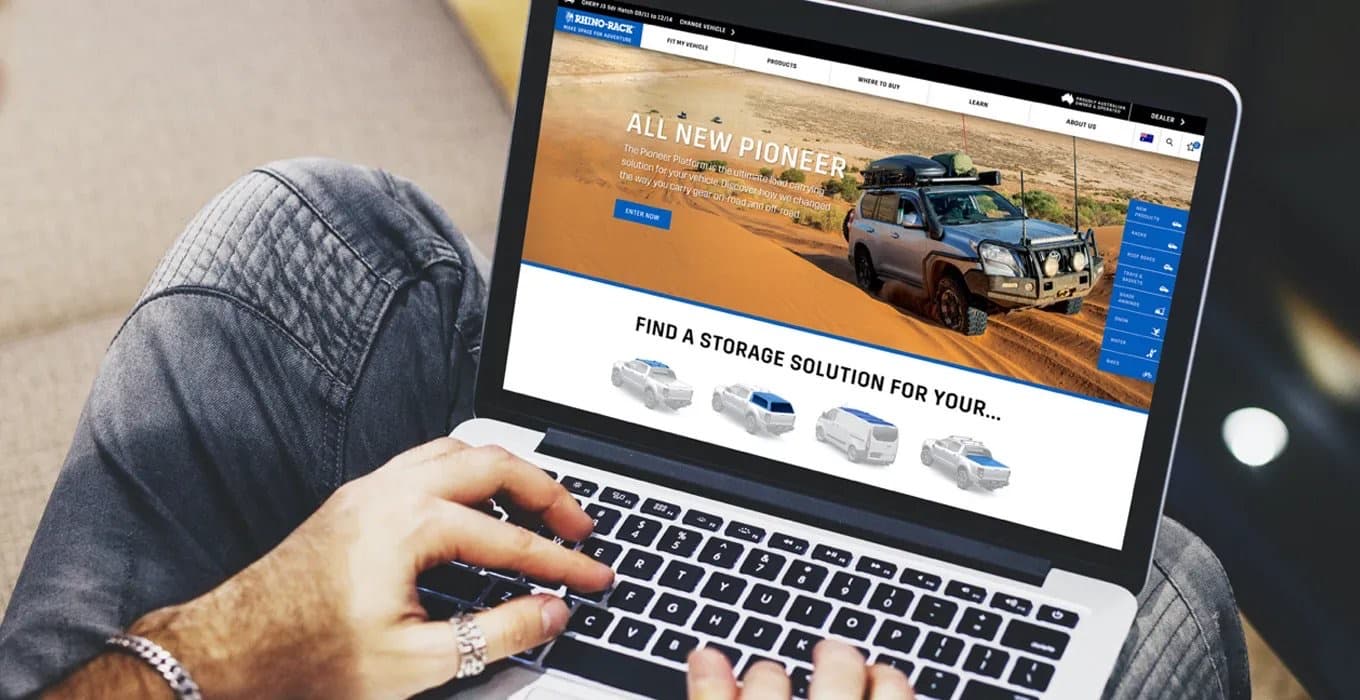
For BioMedica, Tonic’s Adobe Commerce site connects to MYOB EXO. For Rhino-Rack, Tonic built a middleware layer that connects the website to NetSuite.
Ask: Which systems must the site talk to, and which way does the data flow?
5 of 6
5. Who looks after security and updates?
On hosted platforms such as Shopify, Webflow, Adobe Commerce as a Cloud Service and AEM as a Cloud Service, the vendor runs the software and applies updates. Shopify is certified PCI DSS Level 1, which covers card data in its checkout, though apps and scripts you add still need care.
Self-hosted WordPress, and Adobe Commerce on Cloud, leave application updates to you and your developers. WordPress core is well maintained; the risk sits in plugins. Patchstack’s latest annual report found 91% of new WordPress vulnerabilities were in plugins, with only a handful in core.
Custom builds are only as secure as the team maintaining them.
Ask: Who applies security updates, and how quickly?
6 of 6
6. What will it cost to run over three to five years?
Compare the total cost, not the build quote: licence or subscription, hosting, apps and plugins, transaction fees, development, and the ongoing work of updates and improvements.
Hosted platforms charge a subscription but take maintenance off your hands. Open-source platforms such as WordPress have no licence fee, but need hosting and regular care. Adobe Commerce and Adobe Experience Manager are priced on quote, so ask early.
Ask: What will the site cost to run each year, not just to build?
Most searched
WordPress vs Shopify
If selling is the main job, start with Shopify: it hosts the store, secures the checkout and handles payments. If content is the main job and selling comes second, WordPress gives you more control, with WooCommerce for the store.
| Compared on | WordPress | Shopify |
|---|---|---|
| What it is | Open-source CMS; add WooCommerce to sell | Hosted ecommerce platform |
| Best for | Content-led sites that also sell | Stores where selling is the main job |
| Hosting and updates | You choose the hosting and apply updates | Shopify hosts and updates the platform |
| Security | Core well maintained; plugins are the main risk | PCI DSS Level 1 checkout; apps add risk |
| Content and SEO | Very flexible pages, blog and SEO plugins | Strong for products; less flexible for content |
| Cost model | No licence fee; pay for hosting, plugins and care | Monthly plan, apps and payment fees |
Head to head
Other comparisons people search for
- WordPress vs Webflow – Choose WordPress for flexibility, a huge plugin library and full control of hosting. Choose Webflow if your team wants visual design control, would rather not manage plugins or updates, and your site fits within its plan limits.
- Shopify vs WooCommerce – WooCommerce adds a store to WordPress and keeps everything in one place, but you own hosting, security and updates. Shopify takes those off your hands for a monthly subscription, plus transaction fees if you use a third-party payment provider.
- Shopify vs Adobe Commerce (Magento) – Shopify is quicker to launch and simpler to run. Adobe Commerce suits businesses with complex catalogues, B2B pricing and heavy integrations, where its flexibility pays for the extra work. Tonic builds and maintains Adobe Commerce sites for Nature’s Way, Skin Doctors and BioMedica.
- Off the shelf vs custom – Start with a platform when one fits; it’s cheaper to run and easier to staff. Go custom when your business rules, data or integrations don’t fit any product. Tonic built Sydney Festival’s website on Laravel and has looked after it for more than 15 years.
- Going headless – A headless setup keeps content in one CMS and serves it to separate front ends, so one set of content can feed several sites or apps. The Zodiac and AstralPool sites share one headless CMS.
Platforms in practice.
Frequently asked questions
Which is the best ecommerce platform in Australia?
It depends on the business. Shopify suits most Australian online stores because it’s hosted, quick to launch and handles payments and security. Adobe Commerce suits larger catalogues, B2B pricing and complex integrations. WooCommerce suits smaller stores already on WordPress.
Is WordPress secure?
Yes, when it’s maintained. WordPress core has very few vulnerabilities; most problems come from plugins and themes that aren’t kept up to date. Use a small number of well-supported plugins, apply updates quickly and add a web application firewall.
Is Webflow better than WordPress?
For some sites. Webflow suits teams who want visual design control and a hosted, low-maintenance site. WordPress suits sites that need plugins, complex functionality, full hosting control or very large amounts of content.
Should we move from Magento to Shopify?
Only if Shopify can handle your catalogue, pricing and integrations. Moving can make a store simpler to run, but complex B2B pricing or heavy integrations may fit better on Adobe Commerce, including its SaaS edition. Map your requirements first.
When is a custom website worth it?
When your site has to run business rules, data or integrations no platform handles well, and you’ll keep a team to look after it. A custom build in Laravel, Node.js or .NET fits your workflow exactly, but every update is yours.
Can we change platforms without losing search rankings?
Yes, with planning. Keep URLs where you can, redirect every old URL that changes, carry over titles, content and structured data, and watch Search Console closely after launch. Our website redesign guide covers the steps.
What are the disadvantages of Shopify?
You work within Shopify’s checkout, data structure and plan limits, and many features come from paid apps, which add cost and risk. Shopify also charges an extra transaction fee if you use a third-party payment provider instead of Shopify Payments, and moving off it later means migrating products, customers and URLs.
Guides. Further reading
Thinking it through? Start here.
 Guide · Websites
Website redesign: when to do it, how it works and a checklist
Six stages, and how to protect what already ranks.Read the guide Guide · AI
AI in web design and development: where it helps and how to use it well
Where AI helps in a website project, and where people still decide.Read the guide Guide · Working with agencies
How to choose a marketing agency
Six things to get right before you hire a marketing agency.Read the guide
Work with us
Talk to Tonic
Weighing up platforms? Send us your brief and we’ll tell you which one we’d use, and why.