
UI and UX design agency · Surry Hills, Sydney
UX research and UI design customers don’t have to think about
Customers leave when the next step isn’t obvious. Tonic is a full service independent agency in Sydney offering UI and UX design, from user research and prototyping to design systems. We test ideas with real users before anything is built, and our designers work beside our developers, so what ships matches what was designed. Work includes Rhino-Rack’s ecommerce experience, O’Brien’s design system and Baracuda’s Smart Dose app.
- Rhino-Rack: ‘Fit My Vehicle’ search designed around how customers shop, with US add-to-carts up more than fourfold since 2023
- O’Brien: a component-based design system that keeps every page clear and on-brand
- User research, prototypes and testing in Figma before anything is built
Prefer to talk? Call 1300 974 864





Experiences designed for real users, and built to work
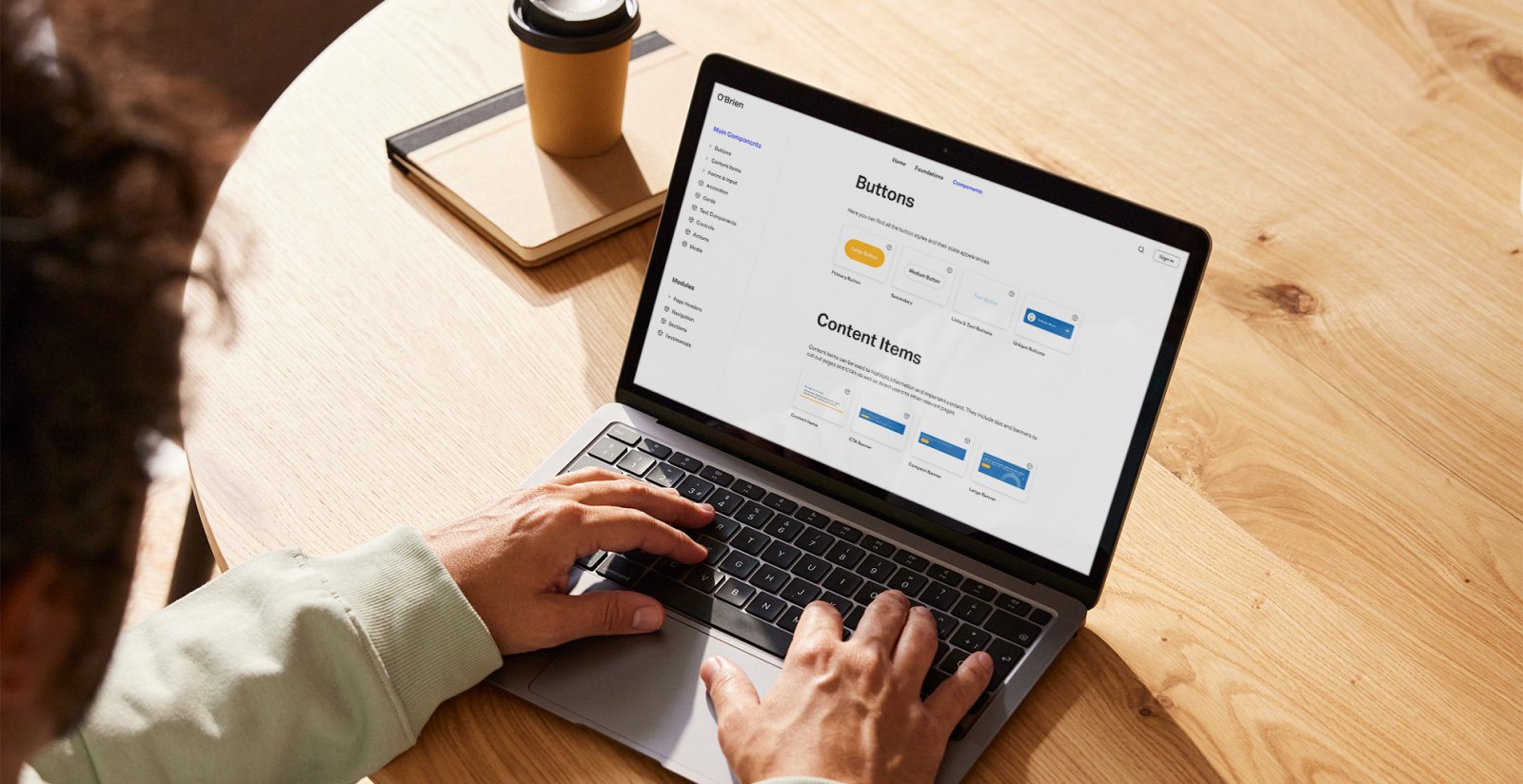
O’Brien (UI/UX and design system)
A redesigned website and component-based design system that brings electrical, plumbing and glazing services together in one clear, on-brand experience.
Read the case study: O’Brien (UI/UX and design system) →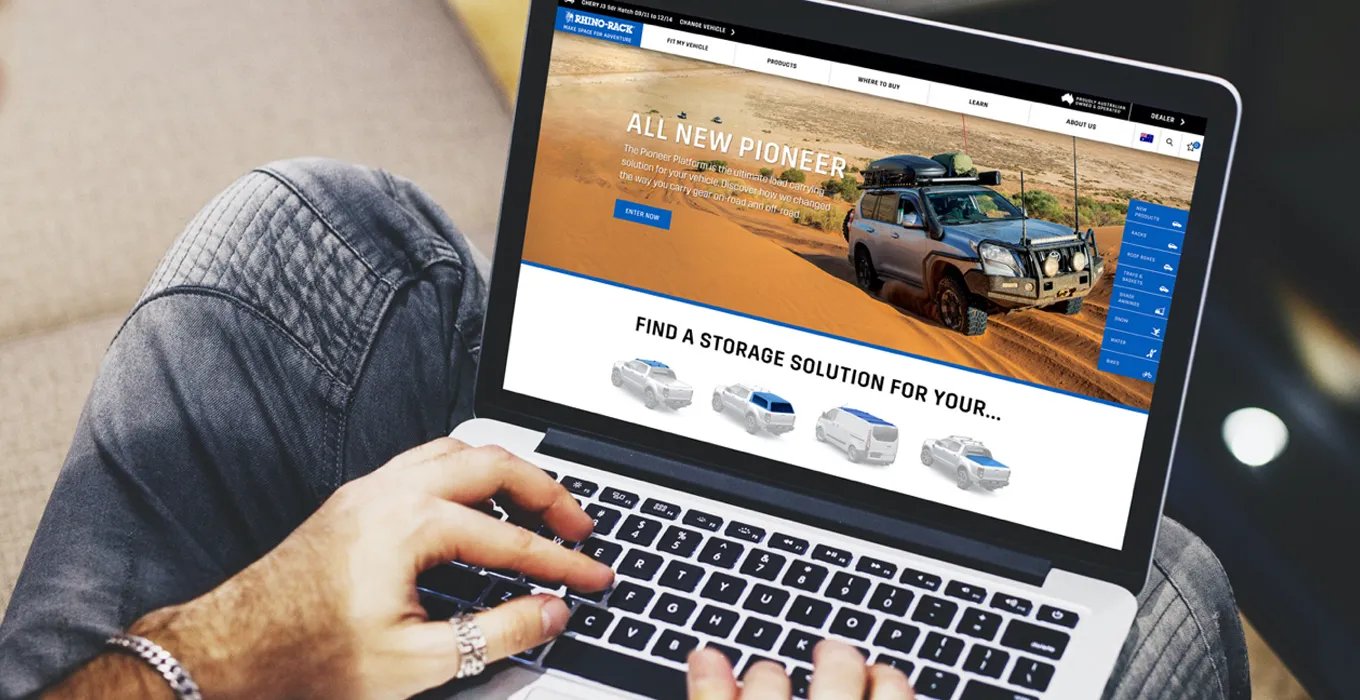
Rhino-Rack (UI/UX)
An ecommerce experience rebuilt around one question, will it fit my car, with a new ‘Fit My Vehicle’ search. US add-to-carts are up more than fourfold since 2023.
Read the case study: Rhino-Rack (UI/UX) →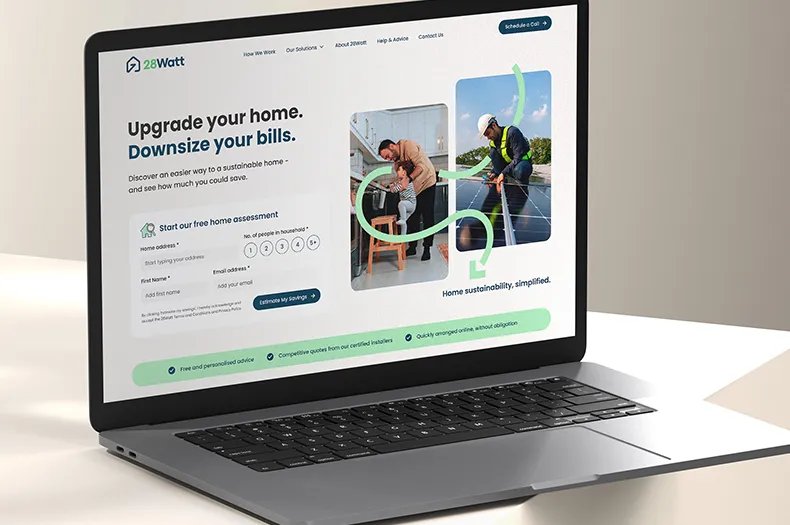
28Watt (product design)
A new platform and calculator that helps homeowners estimate the costs and savings of solar, batteries and heat pumps, then buy.
Read the case study: 28Watt (product design) →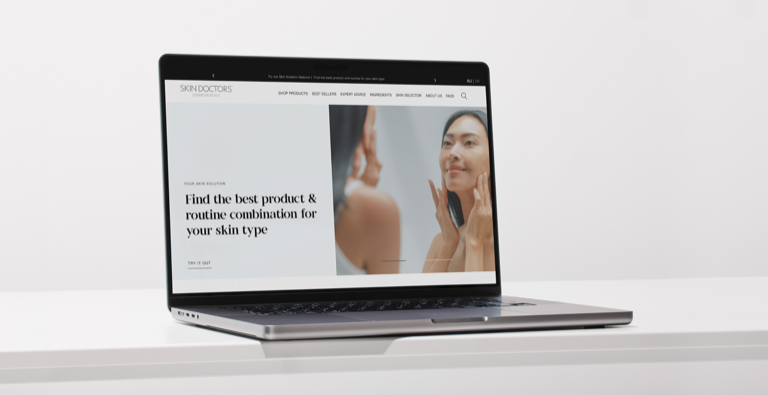
Skin Doctors (Adobe Commerce)
A premium Adobe Commerce store where shoppers find products by skin need.
Read the case study: Skin Doctors (Adobe Commerce) →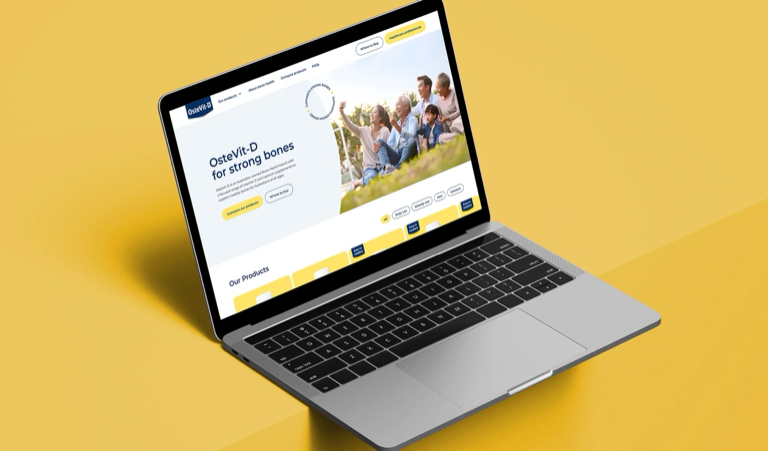
OsteVit-D: website redesign
Clearer product categories and a side-by-side comparison page for a bone health brand.
Read the case study: OsteVit-D: website redesign →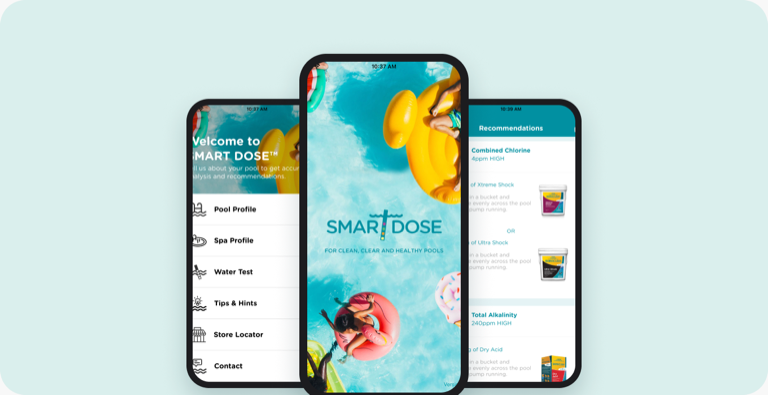
Baracuda: Smart Dose app
An iOS and Android app that helps pool owners test their water and dose the right products.
Read the case study: Baracuda: Smart Dose app →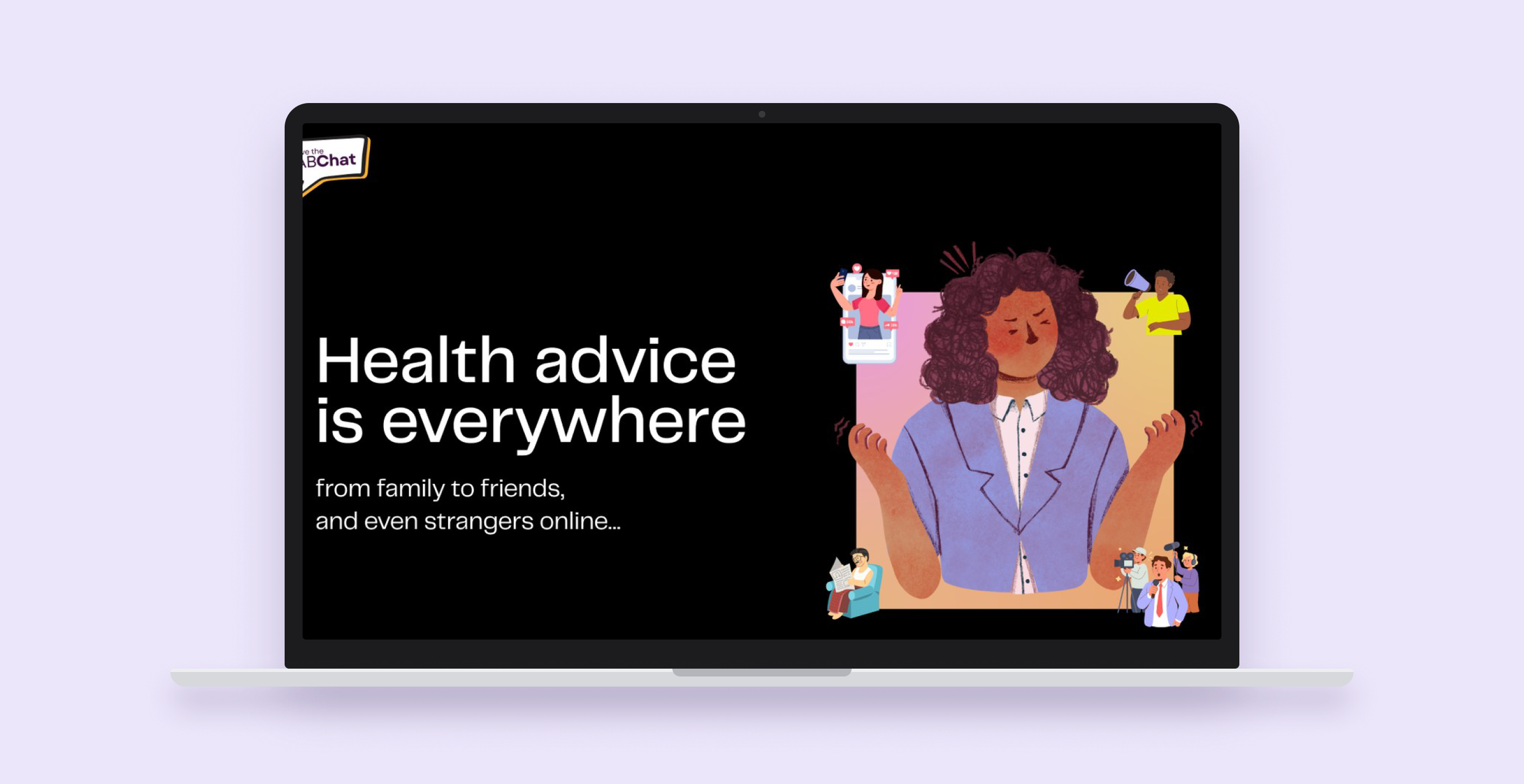
Australian Medical Association
UX design and full-stack development for the Have the Jab Chat campaign website.
Read the case study: Australian Medical Association →
UI and UX design services, from research to release
UX research and audits
Analytics reviews, user interviews and UX audits that show where users struggle, and why.
Journeys and information architecture
User journeys, sitemaps and navigation that match how customers think, not your org chart.
Wireframes and prototypes
Clickable prototypes in Figma to test ideas with users and stakeholders before anything is built.
Experience design
Interfaces that look good and are easy to use, designed for every screen from phone to desktop.
Design systems and component libraries
Reusable components and tokens in Figma, brought to life by our front-end specialists as accessible, high-performance code.
Accessibility
Designs that meet WCAG 2.2 AA, checked for contrast, focus states and screen readers.
Usability and conversion testing
Usability tests and A/B tests that lift sign-ups, enquiries and sales.
Product and app design
Interface design for web apps, iOS and Android apps and in-store kiosks, like Baracuda’s Smart Dose app and Rhino-Rack’s Product Finder.
Design-to-build handover
Annotated specs in Figma Dev Mode, and designers who stay through build beside our developers.


Industries we do this for:Healthcare →Consumer electronics →
Related services:Web development →Mobile app development →Creative agency →SEO and GEO →
Research
What the research says about the value of design
35%
higher conversion rate an average large ecommerce site can gain through better checkout design.
Source: Baymard Institute, checkout usability research41%
faster revenue growth for customer-obsessed organisations, with 51% better customer retention.
Source: Forrester, US Customer Experience Index, 202467%
of B2B buyers prefer to research and buy without a sales rep.
Source: Gartner survey of 646 B2B buyers, 2025
Good design shows up in revenue. And with more buyers deciding on your website alone, every journey has to be clear and easy.
Why product and marketing teams choose our UX designers
Designers and developers in one studio
Our designers work beside the developers who build their work, so designs ship as intended.
Research before pixels
We start with what users actually do, and test before we build.
Systems, not one-off screens
Design systems keep products consistent and make the next feature faster to design.
Designed for conversion
Every journey is tied to a business goal and measured after launch. For Rhino-Rack, US add-to-carts grew more than fourfold.


How a UX and UI project runs
Discover (weeks 1–2)
Review analytics, interview users and stakeholders, and agree the goals.
Map journeys and structure
User journeys, information architecture and the key tasks to design for.
Prototype and test
Wireframes and clickable prototypes, tested with real users and refined.
Design the UI and system
High-fidelity UI and a design system in Figma, ready for build.
Build, launch and improve
Support through development and launch, then testing to improve what’s live.
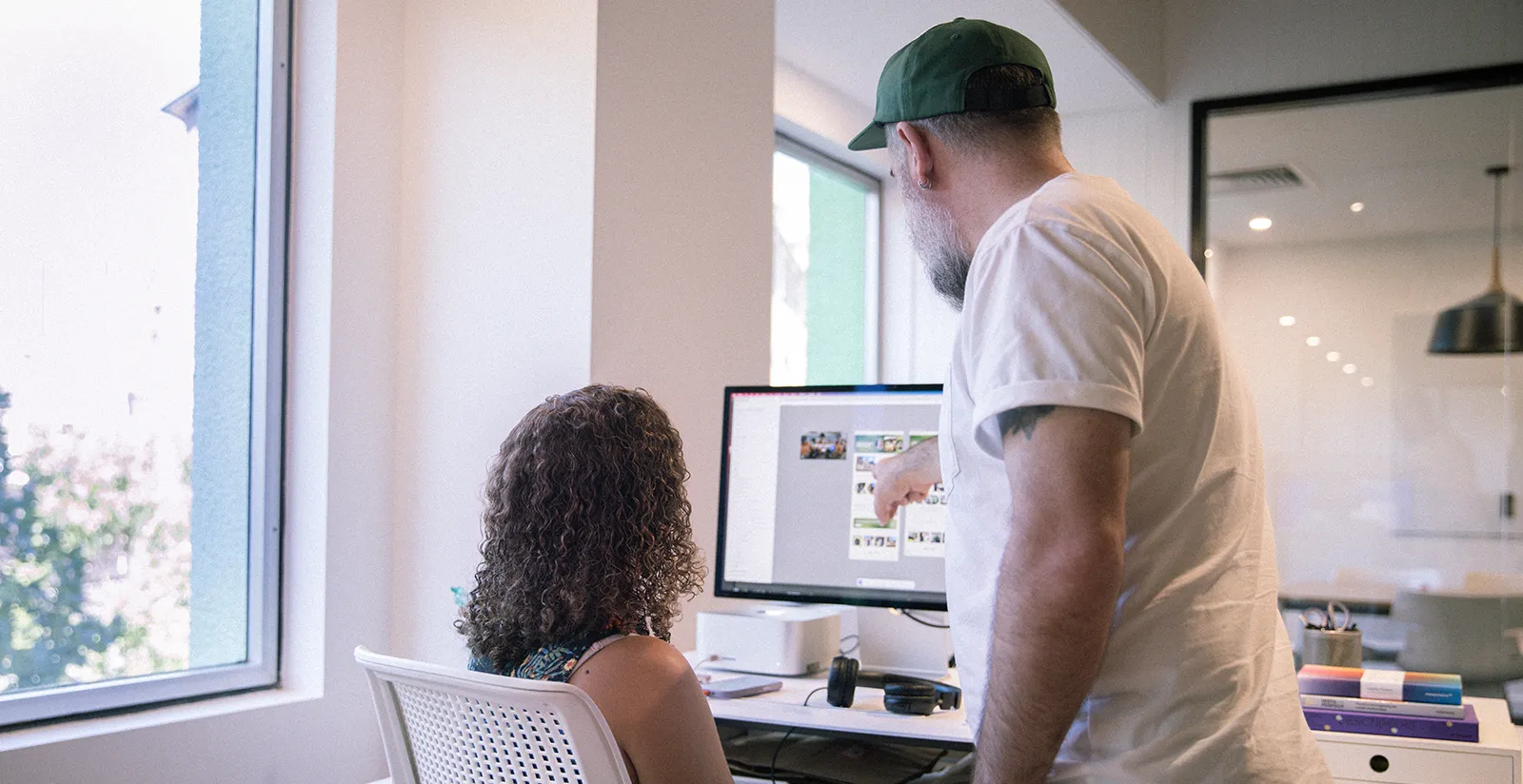
Not sure where users are dropping off? Get a UX audit with clear, prioritised fixes.
Request a UX auditUI and UX design FAQs
What’s the difference between UX and UI design?
UX design is how the experience works: journeys, structure and interactions. UI design is how it looks and feels: layout, type, colour and components. We design both together so they support each other.
How is UX design different from web development?
UX design decides what to build and how it should work, through research, journeys, prototypes and testing. Web development builds it. We do both, but UX comes first, so development time goes into features users have already validated.
What’s included in a UX audit?
We review analytics, user journeys, usability, accessibility and content, then give you prioritised recommendations, from quick fixes to bigger changes. Each recommendation explains the problem, the evidence behind it and the expected impact, so your team can act on it straight away.
Do you test designs with real users?
Yes. We run usability and conversion testing with real users at key stages, so design decisions are based on evidence.
Can you design within our existing brand or design system?
Yes. We work within your brand guidelines and design system, or extend them where gaps appear, adding components and patterns that stay consistent with what you already have. Everything is documented so your in-house team can keep using it.
Do you design in Figma?
Yes. We design, prototype and build design systems and component libraries in Figma, so your team can review work, comment and test prototypes in the same files. Developers work from the same components, which keeps the build true to the design.
Do you build what you design?
Yes. Our front-end and back-end developers build what our designers create, so nothing is lost between the design file and the code.
How long does a UX and UI project take?
It depends on the scope, from a focused audit to a full website or app design. We set a timeline after discovery.
What does UX and UI design cost?
Cost depends on how much research and user testing is involved, the number of screens and journeys, and whether you need a design system or development as well. A focused UX audit costs far less than a full redesign. You get a fixed scope after discovery.
Do you design to accessibility standards?
Yes. We design and test against the WCAG accessibility guidelines, checking colour contrast, keyboard navigation, screen reader support and clear labels. Accessible design makes sites easier for everyone to use and helps meet legal and procurement requirements.
Tell us about your project
Tell us what you’re designing, who it’s for and what’s not working today.