
Website redesign: when to do it, how it works and a checklist
A website redesign is worth doing when your site stops doing its job: it doesn’t win enquiries, your team can’t update it, or it no longer looks like your business. The work runs in six stages, and the one most teams rush, protecting what already ranks, hurts most when it’s missed.
In this guide
Most websites don’t fail all at once. Enquiries flatten, everyday updates need a developer, and the brand moves on while the site stays put. A redesign fixes that, but only if it protects what already works.
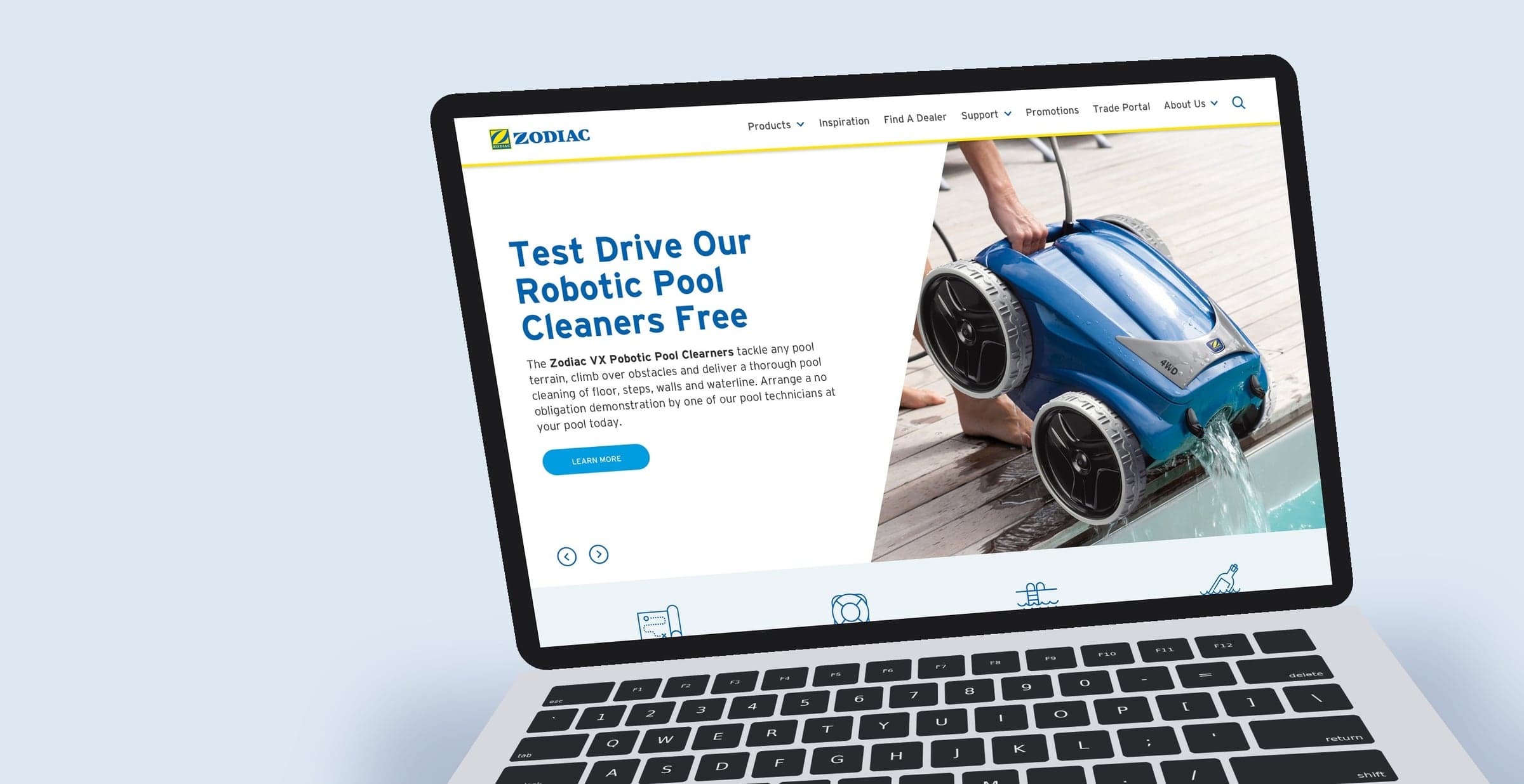
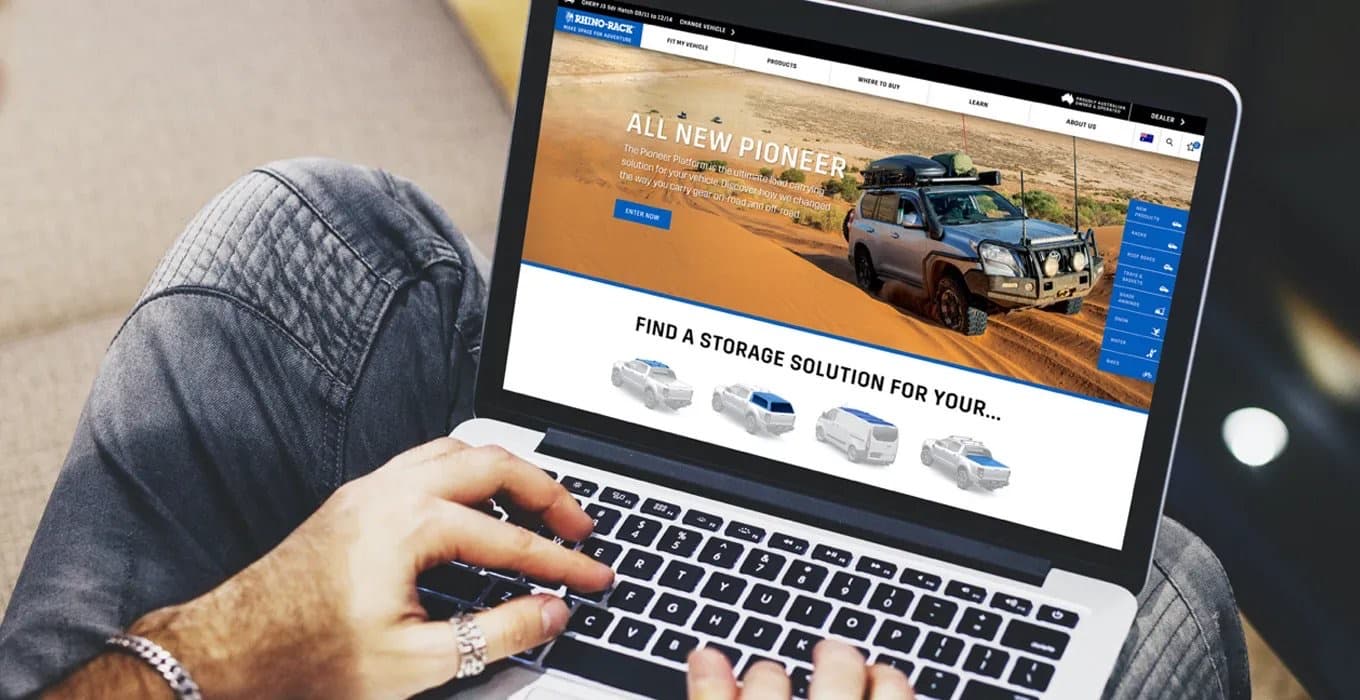
This guide is from Tonic The Agency, an independent creative, digital and technology agency in Surry Hills, Sydney, since 2010, which has built and maintained websites for Nature’s Way, Skin Doctors, BioMedica, LG, Rhino-Rack, Zodiac, AstralPool and Sydney Festival. It explains when a redesign is worth it, how the work runs, and how to protect your rankings.
Definition
What is a website redesign?
A website redesign changes how a site looks, how it’s structured and what it says, so it does its job better. It often comes with a rebuild of the code underneath, or a move to a new platform, known as replatforming.
When to do it
When is a redesign the right call?
When the problems sit across the whole site, not on a few pages. The usual signs: enquiries or sales have flattened even though traffic hasn’t, your team needs a developer for everyday changes, the platform is ageing, the site doesn’t work well on phones, your brand has moved on, or you need new features such as ecommerce or a CRM integration.
If the issue is a handful of weak pages or out-of-date copy, fix those first. A redesign costs more than a rewrite, and we’ll tell you straight if you don’t need one.
Ask: Is the problem the whole site, or a few pages?
At a glance
How a website redesign works: six stages
- Audit what you have
- Agree the goal and the scope
- Design the experience
- Build and integrate
- Move content and protect rankings
- Launch, measure and improve
1 of 6
1. Audit what you have
Start with evidence, not opinions. Pull the pages that bring search traffic and enquiries, list every integration, and note what your team struggles to update.
This audit decides what must survive the redesign, and it becomes the baseline you measure the new site against.
Ask: Which pages bring us most of our enquiries today?
2 of 6
2. Agree the goal and the scope
Pick one measure of success, such as enquiries, online sales or fewer support calls, and scope the site around it: the sitemap, the page templates and the platform.
Choose the platform for the job. Our work runs on Adobe Experience Manager for LG, Adobe Commerce for BioMedica, Nature’s Way and Skin Doctors, Laravel for Sydney Festival, and one headless CMS shared by the Zodiac and AstralPool sites. Our website platforms guide compares WordPress, Shopify, Webflow, Adobe and custom builds.
Ask: What one number will tell us the new site is working?
3 of 6
3. Design the experience
Design the journeys before the pages: how a visitor finds the right product or service and gets in touch. Then build a design system of reusable components so new pages stay consistent.
The new CanToo website is built from reusable templates, so people can find a program, donate or volunteer easily, and staff can add pages as they need them.
Ask: Can our team build a new page without a designer or developer?
4 of 6
4. Build and integrate
The build is where design meets your business systems, and where most hidden risk sits, so test integrations early with real data.
For Rhino-Rack, Tonic built a middleware layer that connects the website to NetSuite. For BioMedica, the Adobe Commerce site connects to MYOB EXO.
Ask: Which systems does the website need to talk to, and who owns each one?
Three kinds of project
Redesign, rebuild or replatform?
They’re often used as if they mean the same thing, but they’re different jobs with different budgets. Many projects combine them, because a new design is the right moment to fix the code underneath.
| Compared on | Redesign | Rebuild | Replatform |
|---|---|---|---|
| What changes | Look, structure and content | The code underneath | The CMS or commerce platform |
| Typical reason | Looks dated or doesn’t convert | Slow, fragile or hard to update | Platform out of support or limiting |
| What to protect | Pages that rank and convert | Integrations and data | URLs, content and rankings |
| Watch out for | Design that ignores search | Rebuilding old problems | Underestimating content migration |
5 of 6
5. Move content and protect rankings
This is the step that keeps your search traffic. Map every old URL to its new home with a permanent (301) redirect, keep the pages that rank, and carry over titles and descriptions. Google’s own guidance on site moves recommends the same: a URL map and permanent redirects.
We’ve moved the Sydney Festival website across platforms more than once, from ASP to CodeIgniter to Laravel, and the same care applies every time.
Ask: Has every old URL got a new home?
6 of 6
6. Launch, measure and improve
Launch is the start of the work, not the end. Watch Search Console weekly for six to eight weeks, fix broken links as they appear, and compare enquiries with the months before.
Leave page titles and URLs alone while Google settles, and improve design and content around them.
Ask: Who is watching Search Console in the weeks after launch?
Checklist
Website redesign checklist
Before you start
- One measure of success agreed, with today’s number recorded
- Analytics and Search Console access for everyone who needs it
- The pages that bring the most traffic and enquiries listed
- Every integration listed: CRM, ERP, payments, forms, booking or ticketing
- Brand guidelines up to date
- Budget range and launch window agreed
During design and build
- Sitemap and page templates signed off
- Design system of reusable components
- Content plan: what moves, what’s rewritten, what’s retired
- Integrations tested with real data
- Accessibility checked against WCAG
- Pages tested on phones, tablets and desktops
Website migration checklist (before launch)
- Every old URL mapped to a new one with a 301 redirect
- Page titles, meta descriptions and headings carried over or improved
- Pages that rank kept, not merged away
- Staging site blocked from Google; live site not blocked
- XML sitemap updated
- Analytics, conversion tracking and forms tested end to end
After launch
- Sitemap submitted in Search Console
- Search Console checked weekly for six to eight weeks
- Broken links and 404 errors fixed as they appear
- Enquiries compared with the months before launch
Websites we’ve built.
Frequently asked questions
How often should you redesign a website?
There’s no fixed cycle. Redesign when the site stops meeting its goal, the platform holds you back, or your brand changes. Between redesigns, keep improving pages one at a time; it’s cheaper and keeps the site working harder.
Will a website redesign hurt my Google rankings?
It can if URLs change without redirects or ranking pages are dropped. Map every old URL to a new one, keep the pages that rank, carry over titles and descriptions, and check Search Console weekly after launch.
How much does a website redesign cost?
It depends on the number of page templates, the integrations and how much content moves. A brochure site and an ecommerce replatform are very different projects. Tonic scopes the work properly before quoting, so the price matches what you need.
Should we redesign or rebuild?
Redesign if the site works but looks dated or doesn’t convert. Rebuild if it’s slow, fragile or hard to update. Many projects do both, because a new design is the right moment to fix the code underneath.
Should we change platforms?
Only if the current platform limits you: it’s out of support, too costly to run or can’t do what you need. Tonic isn’t tied to one platform: we build on WordPress, Webflow, Shopify, Adobe Commerce, Adobe Experience Manager, Laravel, Node.js and .NET. Our website platforms guide compares them.
How long does a website redesign take?
It depends on scope, integrations and how quickly content and feedback come together. A clear brief and early access to analytics and systems are the biggest time savers. Tonic sets the timeline with you once the scope is agreed.
What should we prepare before talking to an agency?
Your goal, access to analytics, a list of what works and what doesn’t, your integrations, your brand guidelines and a budget range. Our brand guidelines template shows what good guidelines include.
Can AI redesign my existing website?
Not on its own. AI tools can speed up parts of a redesign, such as auditing content, drafting copy and exploring design options, but people still need to set the goal, protect what ranks and check the work. Our AI in web design guide covers where it helps and where it doesn’t.
Guides. Further reading
Thinking it through? Start here.
 Guide · AI
AI in web design and development: where it helps and how to use it well
Where AI helps in a website project, and where people still decide.Read the guide Guide · Branding
Brand guidelines template: what to include, with real examples
Every section to include, with lessons from real rebrands.Read the guide Guide · Websites
WordPress, Shopify, Webflow, Adobe or custom? How to choose a website platform
Six questions, a comparison table and the head-to-heads people search for.Read the guide
Work with us
Talk to Tonic
Planning a redesign? Send us your brief and we’ll tell you what it will take, including whether you need a full redesign at all.